Gallery Walk: Poster Presentations
Poster Presentations take place in a “Gallery Walk” format. This format is typically used in industry and academic conferences to present research papers. If implemented well, a Poster Presentation format allows for creativity and out-of-the-box demonstration of your topic and knowledge.
Poster presentations can be digital or physical boards. Each team will be responsible for creating and setting-up their poster booth / display.
Your poster should be visually appealing, and should include engaging content that is well structured using headlines and bullet points (not pages of text). Think of your poster as a visual tool to help you present, be prepared and use it to engage in a conversation with your audience. A successful approach is to prepare a 3-4 minute interactive presentation to walk your audience through your work.
All team members are expected to be present and ready to discuss their poster to get the grade. Posters displays will be marked by the professor. The grade awarded will be based on the apparent level of effort, thoroughness, completeness, focus, and how well the group demonstrated their understanding of their work.
Logistics / Setup
Arrive early to allow sufficient time to setup your booth, the booth includes your poster (digital or physical) as well as any other supporting items, for example laptop, iPad, handouts, visuals, flyers, QR code, 3D printed objects, or samples if applicable. Each group is responsible for planning how they would like to setup their display.
All team members are expected arrive at the beginning of class to help set-up and be available until the end of class.
There must be 1-2 presenters at each poster display at all times. All team members are expected to know the content and be ready to present during the gallery walk session. Research “poster presentation” and learn how to design an effective poster, there are many videos on creating and presenting a poster.
- Access great resources on Academic Posters
- Check the following video: University of Melbourne students share their thoughts on how presenting a poster is different to an oral presentation
- Poster Presentations (The Idea Lab)
Walk your guests through your work!
Be creative in how you share your work with your guests and engage in a conversation! DO NOT READ YOUR POSTER because: WE CAN READ. Instead, talk to us, and with us about it.
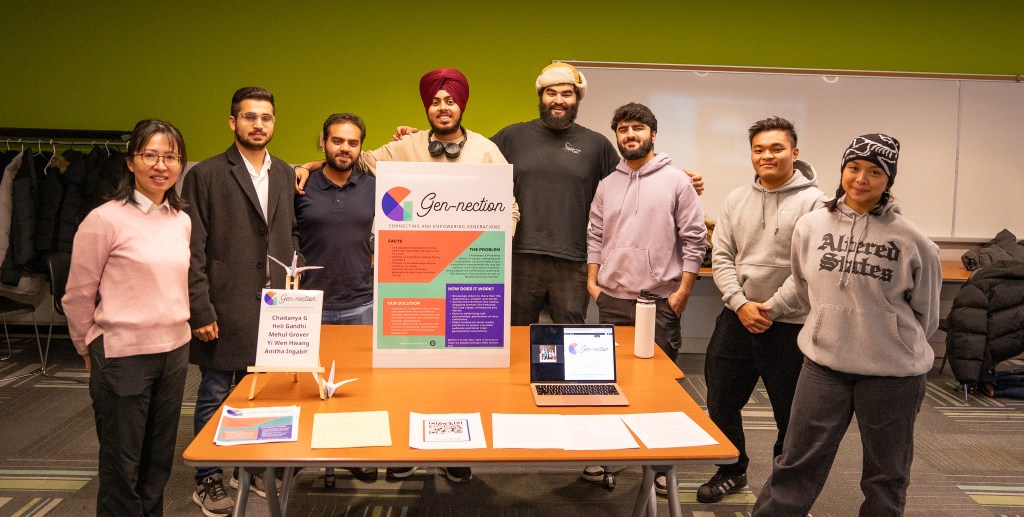
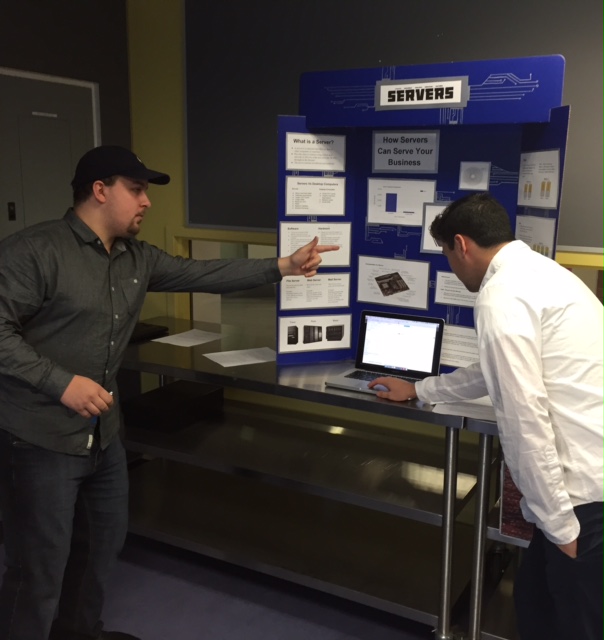
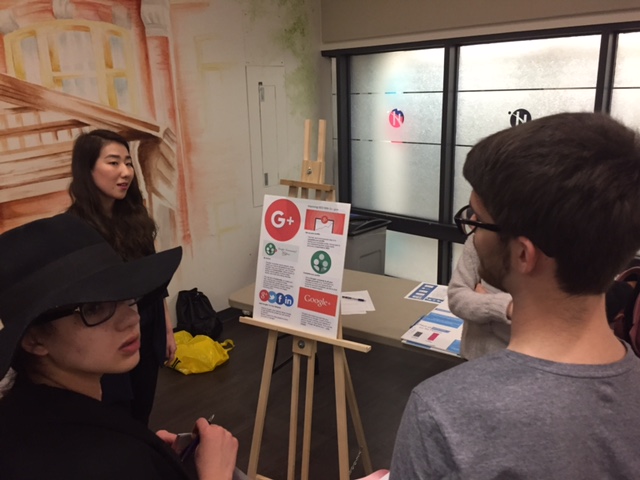
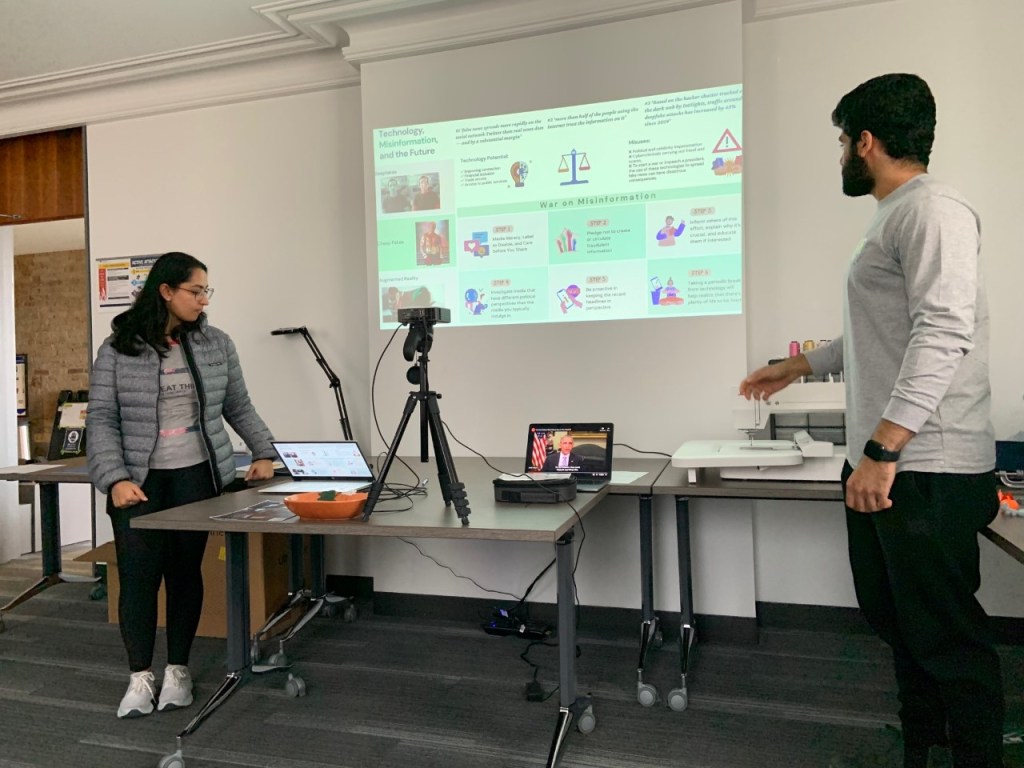
Below are pictures from previous poster presentations that took place in room L1017 or A170 that will give you an idea of what the room and booth setups would look like


Digital Posters @ Humber’s Idea Lab
Digital poster sessions will be utilizing the screens in the Lakeshore Idea Lab (3rd floor of the G Building). Your poster will be displayed on an LCD TV. Students may use whatever tool they wish to create their digital poster (e.g. PowerPoint, Canva, Piktochart, Keynote, etc.). If you want to collaborate on a Piktochart design, you can find instructions on the Idea Lab’s infographics site. Below are some guidelines for your posters:
- Use a single slide/page for the poster
- Use a 16×9 widescreen format with a resolution of 1920x1080p:
- POWERPOINT: Design Tab > Slide Size > Widescreen (16×9)
- PIKTOCHART: Click on the Resize Page icon next to your template/design and enter 1920x1080p in the dimension field.
- Do not go below a 16-point font for bullet point lists
- Cite your research on the poster and include (or link to) your reference list
- Be consistent with:
- Fonts (2-3 max)
- Colours (use a template or colour scheme that will provide you with a colour palette to pick from)
- Icon/image style (I.e.. choose multicolour, single colour, line drawing, etc.)
Feel free to contact the Idea Lab with any questions at <idealab@humber.ca>. Alternatively, you can book an appointment to meet with someone from the Idea Lab team.
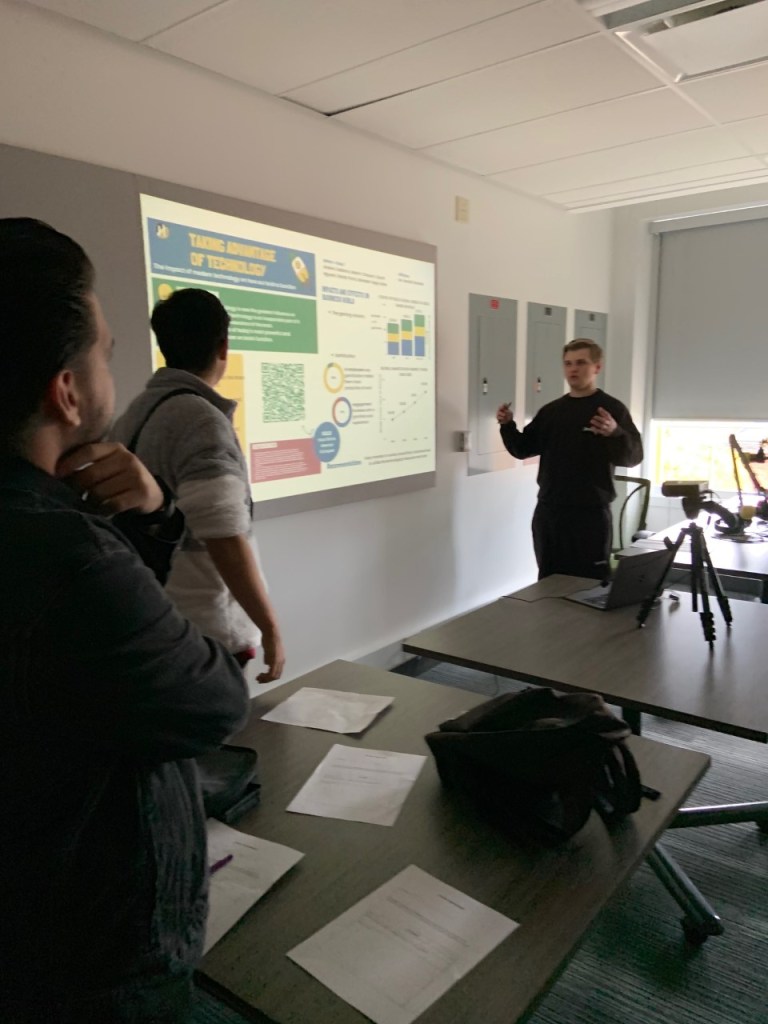
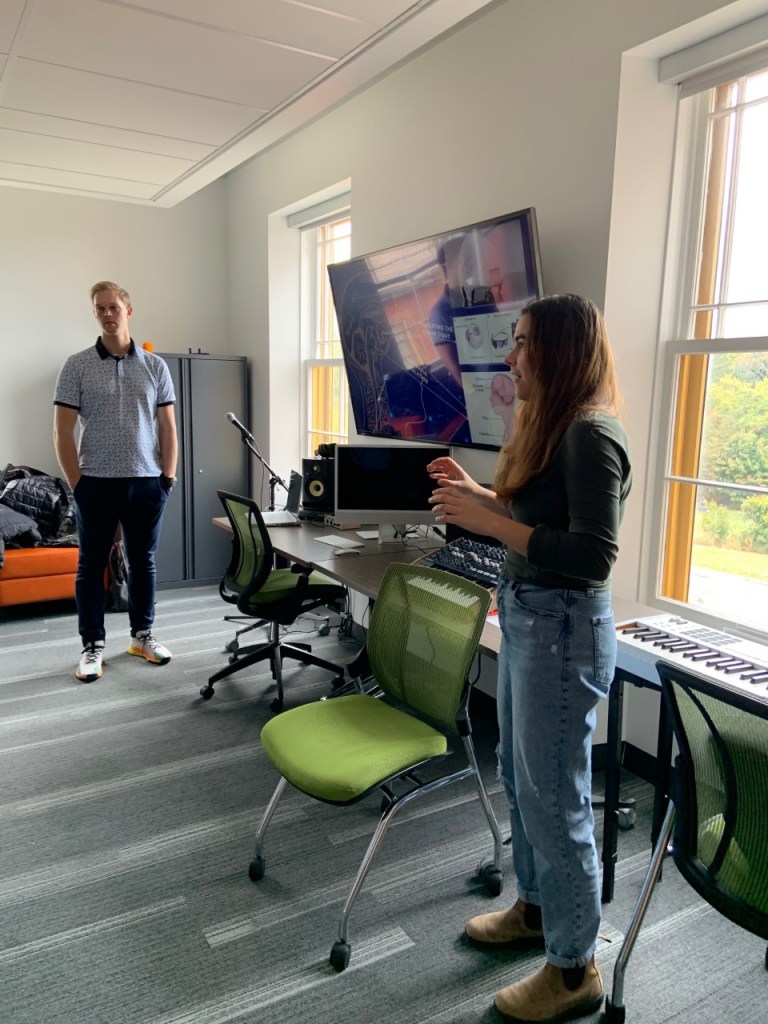
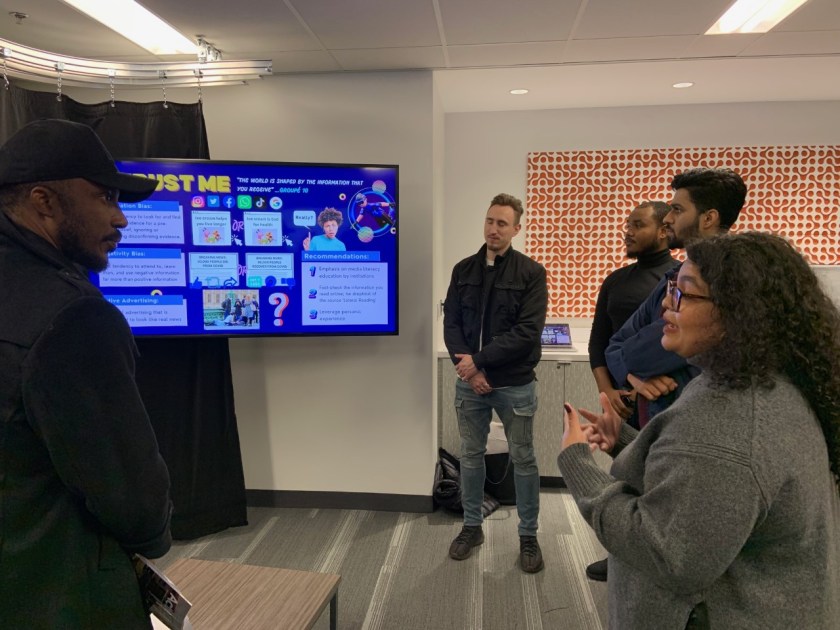
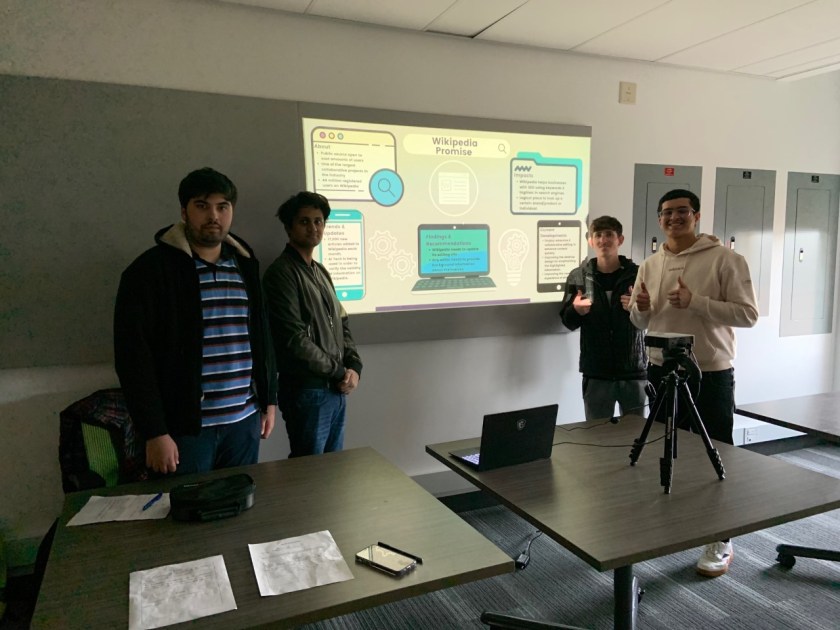
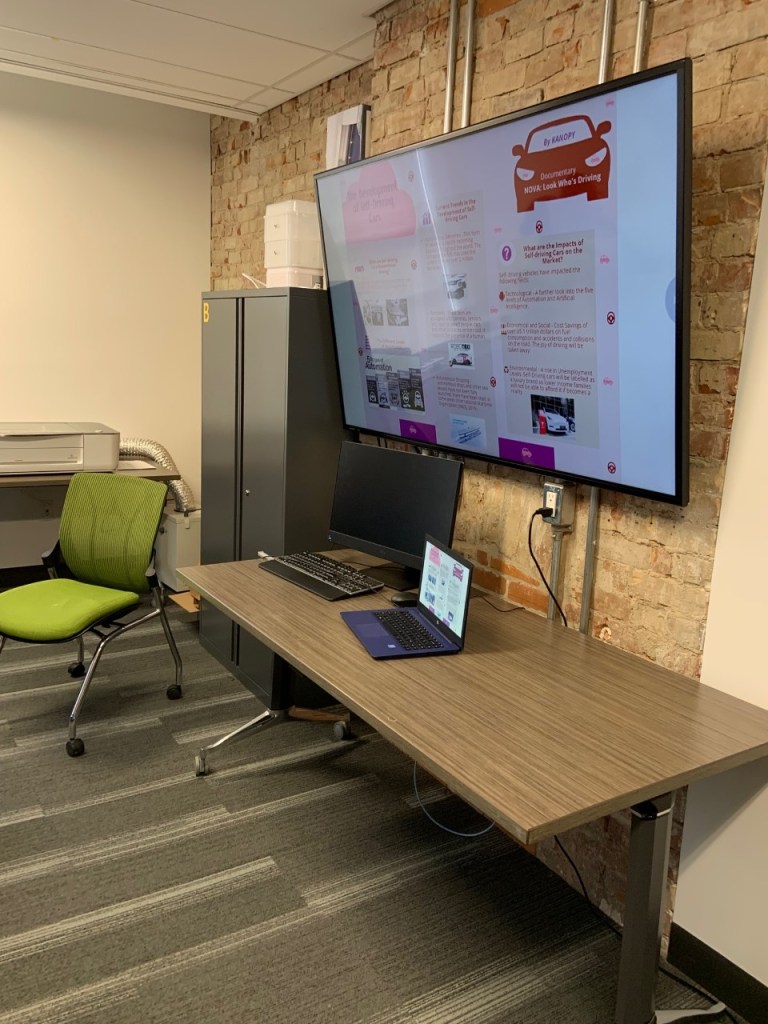
Below are pictures from previous digital poster presentations that took place in the Idea Lab



 Hanadi Alnawab